The Value of Hands-On Testing in IoT App Development: My Experience as an SQA Engineer
Hamza Ali, SQA Engineer
- Published
- Apr 2, 2024
- Read Time
- 4 Min Read
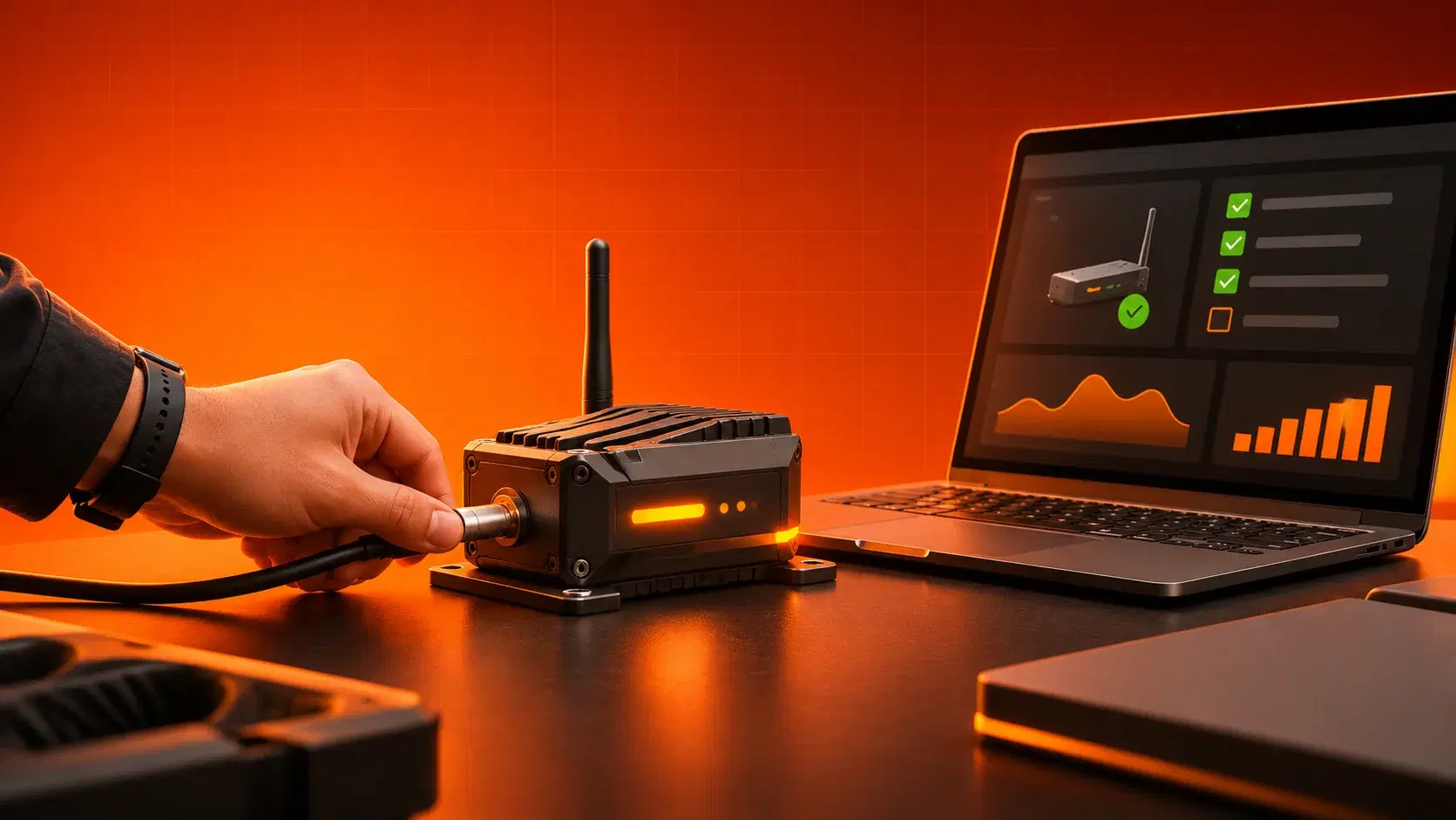
Let’s be honest, as SQA engineers, we all know that the promise of fully automated, flawless testing is a bit of a fantasy. Sure, automation suites are amazing tools, but especially when dealing with the complexities of IoT app development, there are times when nothing beats rolling up your sleeves for some good old-fashioned hands-on testing.
Let me share some real-world reasons why I still rely on this approach, even with all the advancements in test automation.
01 Understanding the Nuances of IoT Systems
The Internet of Things (IoT) introduces a level of complexity that often exceeds traditional software development. Our IoT apps must interact seamlessly with a multitude of connected devices, sensors, and networks, each with its own unique quirks and potential failure points. While automation can cover a wide range of test cases, there are certain aspects of IoT app functionality that are best evaluated through direct human interaction.
02 Key Reasons I Opt for Hands-On Testing
Replicating Real-World Usage
No matter how sophisticated our test simulators become, they can only approximate the unpredictable nature of real-world environments. Hands-on testing enables me to use the app as a genuine user would, navigating different scenarios, and potentially uncovering issues that wouldn’t surface in a controlled lab setting.
User Experience (UX) Evaluation
IoT apps are fundamentally about the user’s interaction with connected devices and the data they provide. Is the interface truly intuitive? Is the response time from sensors snappy enough to feel seamless? These subjective aspects of UX often benefit tremendously from direct human assessment.
Device Compatibility and Interoperability
One of the biggest challenges in IoT app development is ensuring compatibility across a vast array of devices. Hands-on testing lets me physically test the app on different smartphones, tablets, wearables, and even proprietary IoT gateways to uncover unexpected compatibility problems or UI rendering issues.
Environmental Factors
IoT devices may be deployed in demanding environments — exposed to extreme temperatures, humidity, vibration, or interference. While automated stress tests can be helpful, sometimes hands-on testing in simulated or real-world conditions is the only way to fully assess the app’s resilience under pressure.
Exploratory Testing
Even with well-defined test plans, there’s always value in exploratory hands-on testing. Probing edge-cases, unexpected user actions, or deliberately stressing the system can reveal hidden vulnerabilities that otherwise might slip through the cracks.
03 Hands-On Testing at Sparkleo
At Sparkleo Technologies, hands-on testing is a collaborative process. I work closely with developers, product owners, and sometimes even end-users to get a broader perspective on the app’s behavior. Here’s how we typically integrate it:
- Early Prototyping: Hands-on testing with early prototypes allows us to quickly identify fundamental UX issues or connectivity problems.
- Device-Specific Testing: We maintain a lab with a range of target devices and encourage hands-on testing to catch any rendering glitches or performance issues specific to certain hardware.
- Sprint Reviews: Within development sprints, hands-on testing helps us evaluate new features and integrations before release.
- User Acceptance Testing (UAT): Involving end-users or stakeholders in hands-on testing gives us invaluable feedback on the app’s overall usability.
Striking a Balance: Automation + Hands-On
Let me be clear: I’m not advocating for abandoning automation tools altogether. At Sparkleo, we leverage robust automation suites for regression testing, API testing, and continuous monitoring. However, in the complex landscape of IoT applications, I firmly believe that the most effective quality assurance approach is one that embraces the strengths of both automation and well-structured hands-on testing.
Do you have similar experiences? Join the conversation in the comments below!
Was This Article Helpful?